
Overview
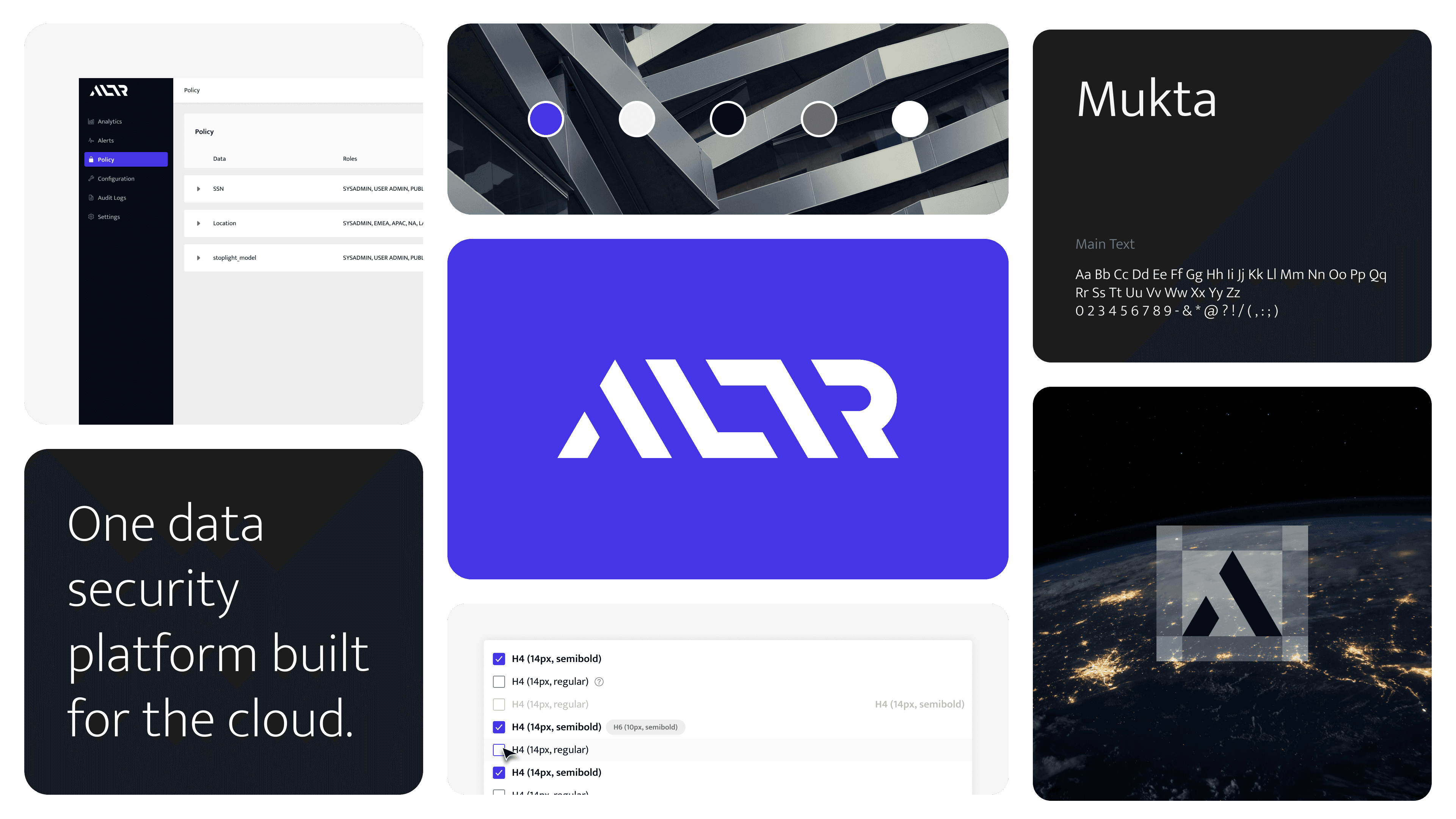
Led the end-to-end creation of ALTR's design system: auditing existing UI, building an atomic component library aligned with our engineering stack, and shipping it in collaboration with frontend engineers. The system reduced UI-related bugs by 62% year-over-year and saved an estimated 300+ hours of design and engineering time in its first year. Two years on, it has also done something I didn't fully anticipate. Because every component is standardized, tokenized, and mapped to code, the system became the foundation that let ALTR adopt AI-assisted design and development. Tools like Claude Code can now build against our system instead of inventing UI from scratch.
Background
ALTR is a SaaS data security company whose design foundation needed to scale quickly with a growing startup. When I took on the project, our design and development cycles were slower than they needed to be, producing an inconsistent UI that affected brand identity and eroded trust. I pitched and led the effort to create an atomic design system, migrated our existing components into it, and worked with engineering to build compatibly with our stack.
I couldn't have named it at the time, but the qualities that make a design system work for humans (consistent naming, documented patterns, decisions made once at the source) are the same qualities that make it usable by AI.
Atomic Design
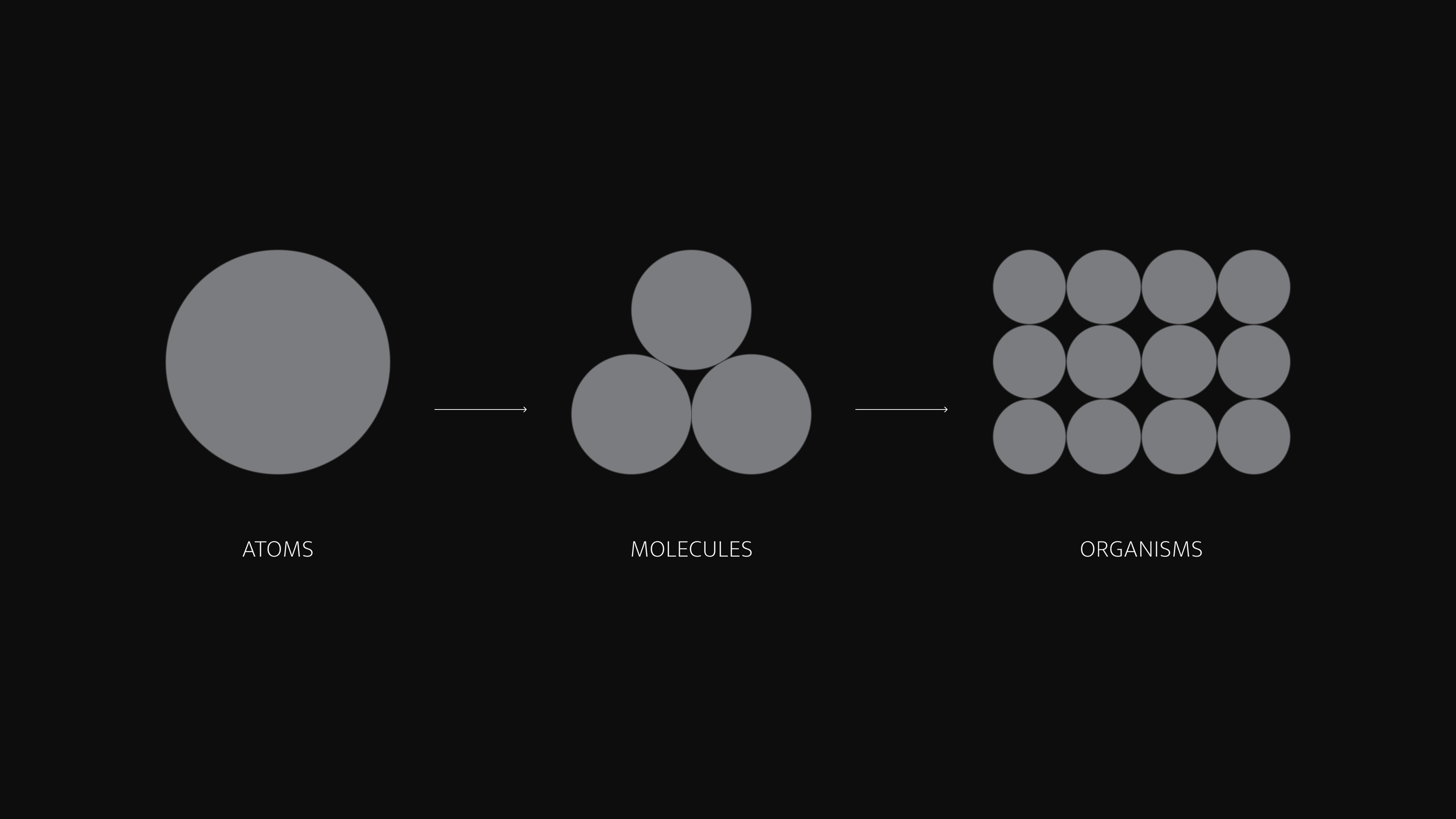
I built the system around Brad Frost's atomic design principles, starting with the smallest unit of UI and building upward in layers of increasing complexity. The result is a library of 150+ components that's flexible and can grow and change without breaking what's already there. That structure matters more now than when I built it. Atomic hierarchy is easy for a machine to reason around: when an AI tool composes a new screen, it assembles from defined atoms and molecules rather than making up one-off UI. The same constraints that kept designs consistent keep generated output on-system.
Audit
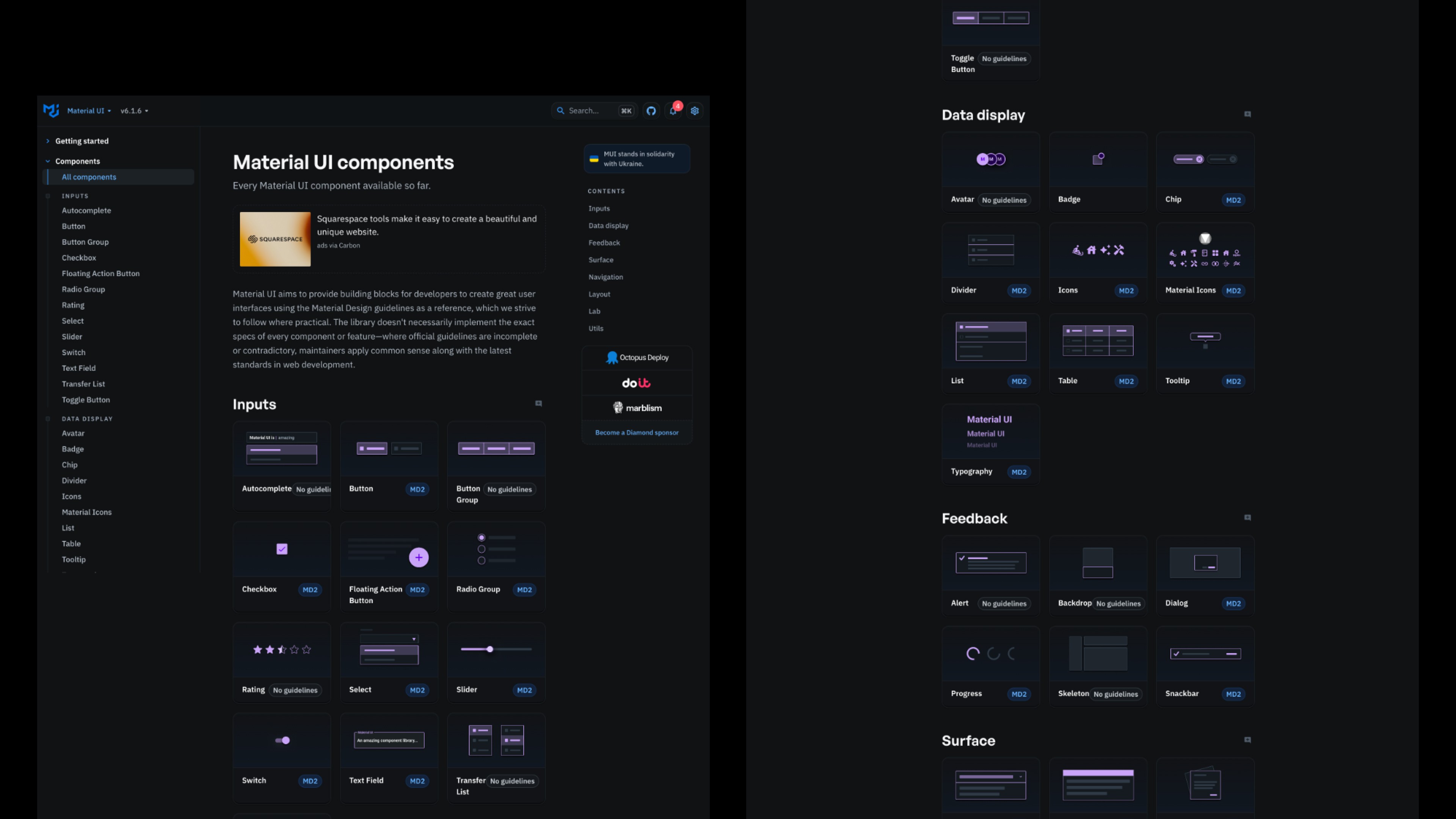
Before touching a single component, I spent weeks auditing existing design files and meeting with engineers to understand how they actually worked. The team leaned heavily on Material UI in development, so the new system needed to fold in cleanly rather than fight what was already built. Aligning naming conventions and component behavior with MUI made adoption significantly smoother.
It also created a shared vocabulary between design and code, which turned out to be the single most important ingredient for AI-assisted development. When a component has the same name in Figma and in the codebase, a tool like Claude Code can reliably map design intent to implementation. That alignment is what made it possible to later give Claude Code both our design system and our actual codebase as context, and have the two agree with each other.

Accessibility
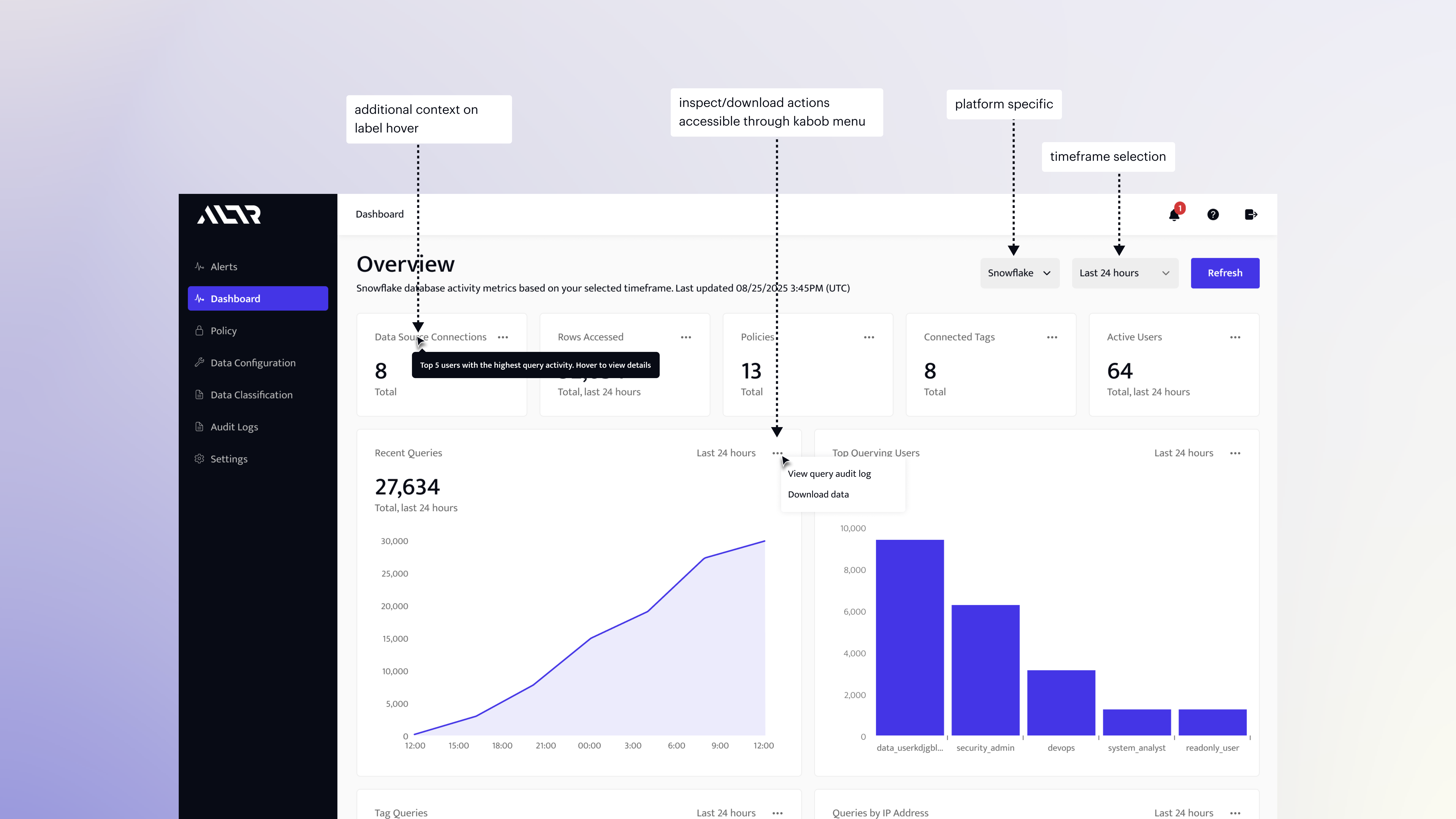
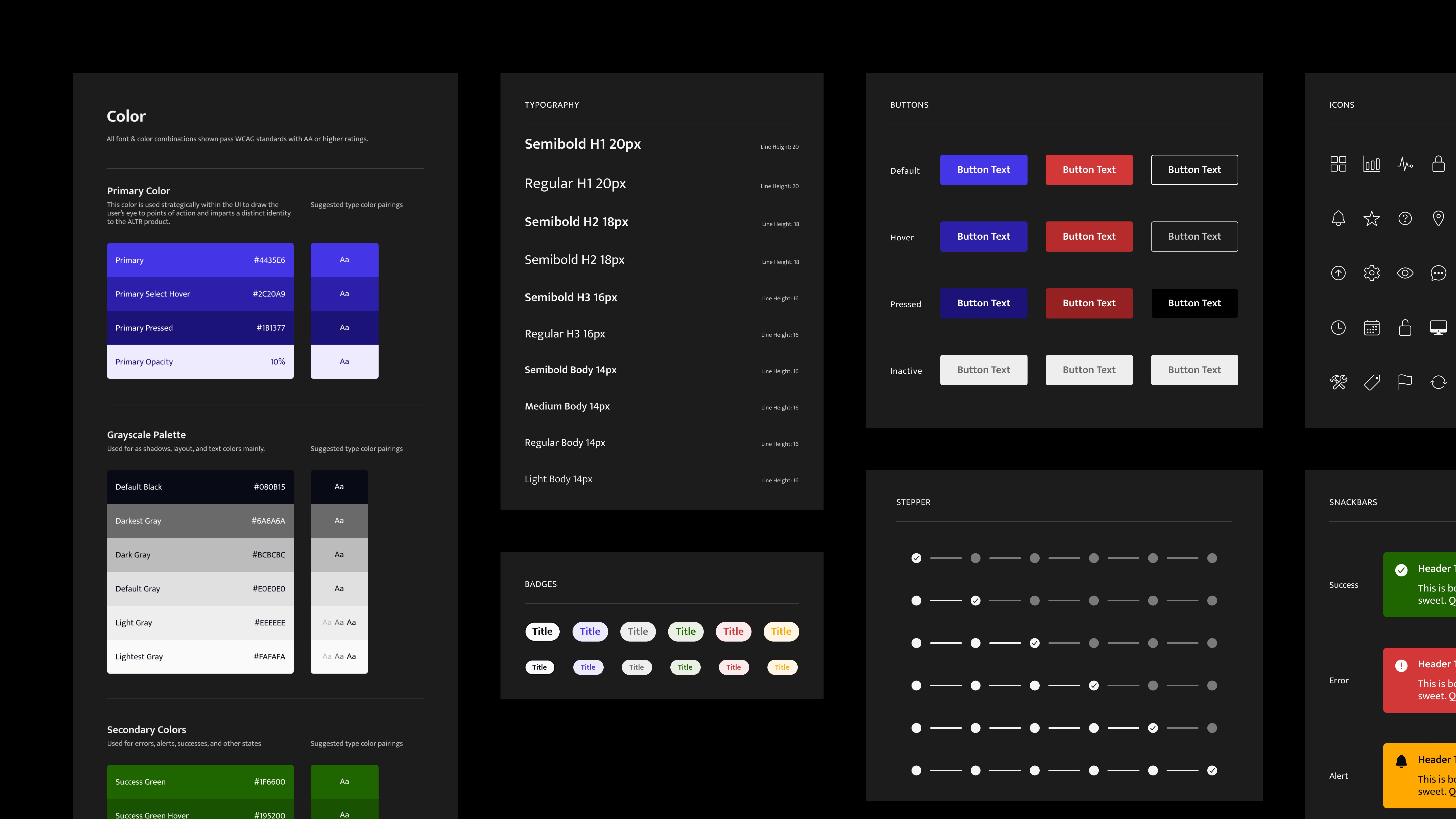
Every component had to meet accessibility criteria before moving forward. Color contrast, font legibility, hover and inactive states, interaction feedback: all reviewed and standardized at the atom level so those decisions carried through everything built on top of them.
This is also where AI adoption pays off twice. Because accessibility is encoded in the atoms, anything generated from the system inherits it. We don't have to trust an AI tool to remember contrast ratios becasue the system's already made that decision.
Implementation
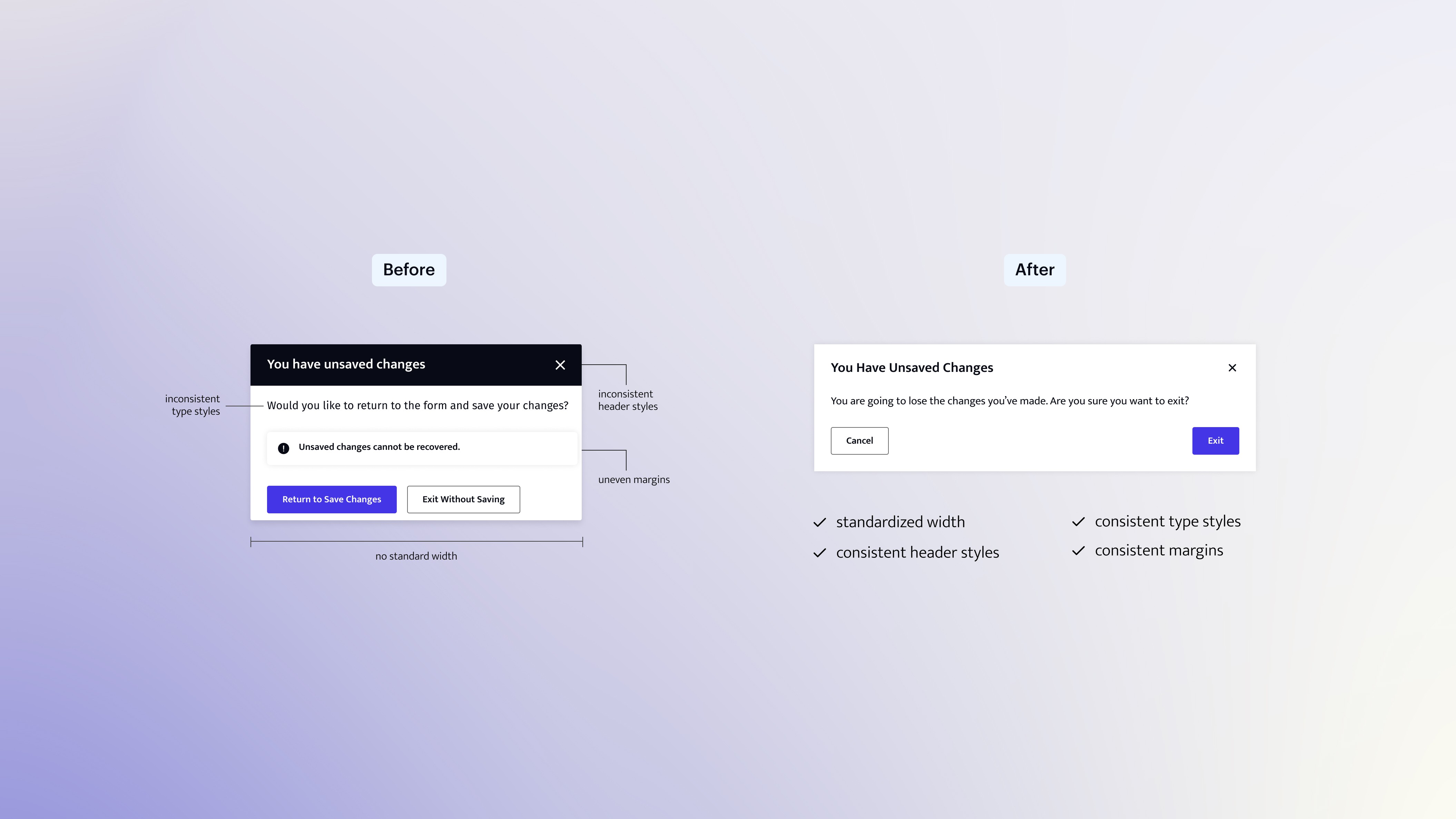
Getting the system into production required strong communication and compromise between engineering and design. We compared UI bug tickets from August 2023, before implementation, to August 2024, after a full year in production: a 62% reduction in UI-related bugs. Design and development cycles got faster, the product got more visually cohesive, and we had a scalable framework that could absorb new features without accumulating debt.
Two years on, the system also powers marketing materials, trade show assets, POC decks, and customer walkthroughs, giving the whole company a consistent visual language.
AI Adoption
The biggest return arrived with AI. Because the system is componentized, tokenized, and consistently named across design and code, it works as structured context for AI tools.
I led the effort to bring the system into Claude Code, starting by importing our design system Figma file. Claude did a decent first pass recreating the system in code, but I went through it section by section, cleaning up components that were missed or rendered incorrectly until the coded system matched Figma. Then I worked with our developers to connect our actual codebase from GitHub. Claude Code now has both the design system and the production code as context, so it isn't guessing at our patterns. When we build new features with it, output composes from our real components and tokens and ships on-brand and accessible by default.
On a recent project, my PM handed me requirements on June 29th and I delivered dev-ready files on July 9th. A comparable-scope project the year before took six and a half weeks from discovery to dev-ready, roughly a 4x difference. Projects vary too much in scale to claim a blanket average, so I measured similar-sized projects end to end instead.
If I took one lesson to another team, it would be this: AI tools are only as good as the structure you give them. A team with a disciplined design system can adopt AI-assisted design quickly and safely. A team without one gets speed and inconsistency in equal measure. Building that structure is design work, and it has become one of the highest-leverage things a product designer can do.